Poland 2.0 Summit: website content straight from Google Workspace
The team updates the site in Google Sheets and Docs — no retyping content and no developer needed.

Write in Google Docs, publish on the website
The team works in Google Workspace and the website pulls its content from there.
The team writes in Google Docs
- Post folder
- Document with the text
- Cover photo
The website fetches the data itself
The integration reads the folder, takes the fields from the top of the document and turns the text into a finished post. Nobody copies anything.
The post is on the blog
Your first startup job
Ola Nowak · 12.03.2026
- Scope
- Connecting website content to Google Workspace
Context
Poland 2.0 Summit connects students and young professionals with leaders in business, technology and innovation. The foundation's website covers the current edition, archives of previous editions (Warsaw 2023, The Hague 2024, Amsterdam 2025) and other projects: #Nomad Podcast, Work 2.0 and Edu 2.0.
The problem
What changed
- The agenda, Edu 2.0, internship offers, blog, team and partners have one source: Google Workspace.
- The foundation's team updates the website themselves using their everyday tools.
- Programme and content updates no longer wait for a developer.
What Corioders did
- We connected the website to Google Workspace so it could fetch content from the tools the team already uses.
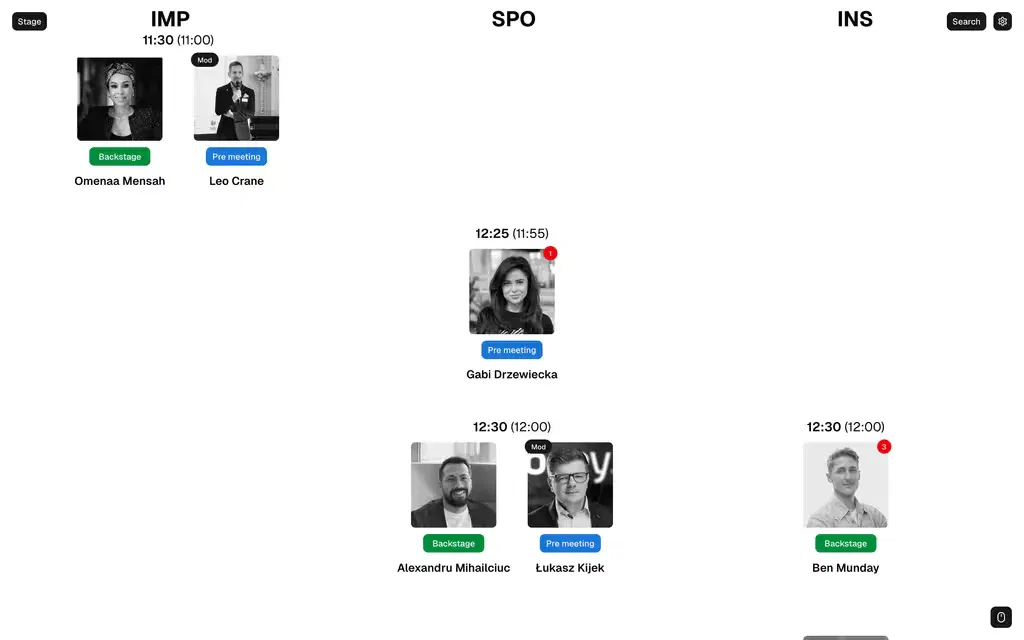
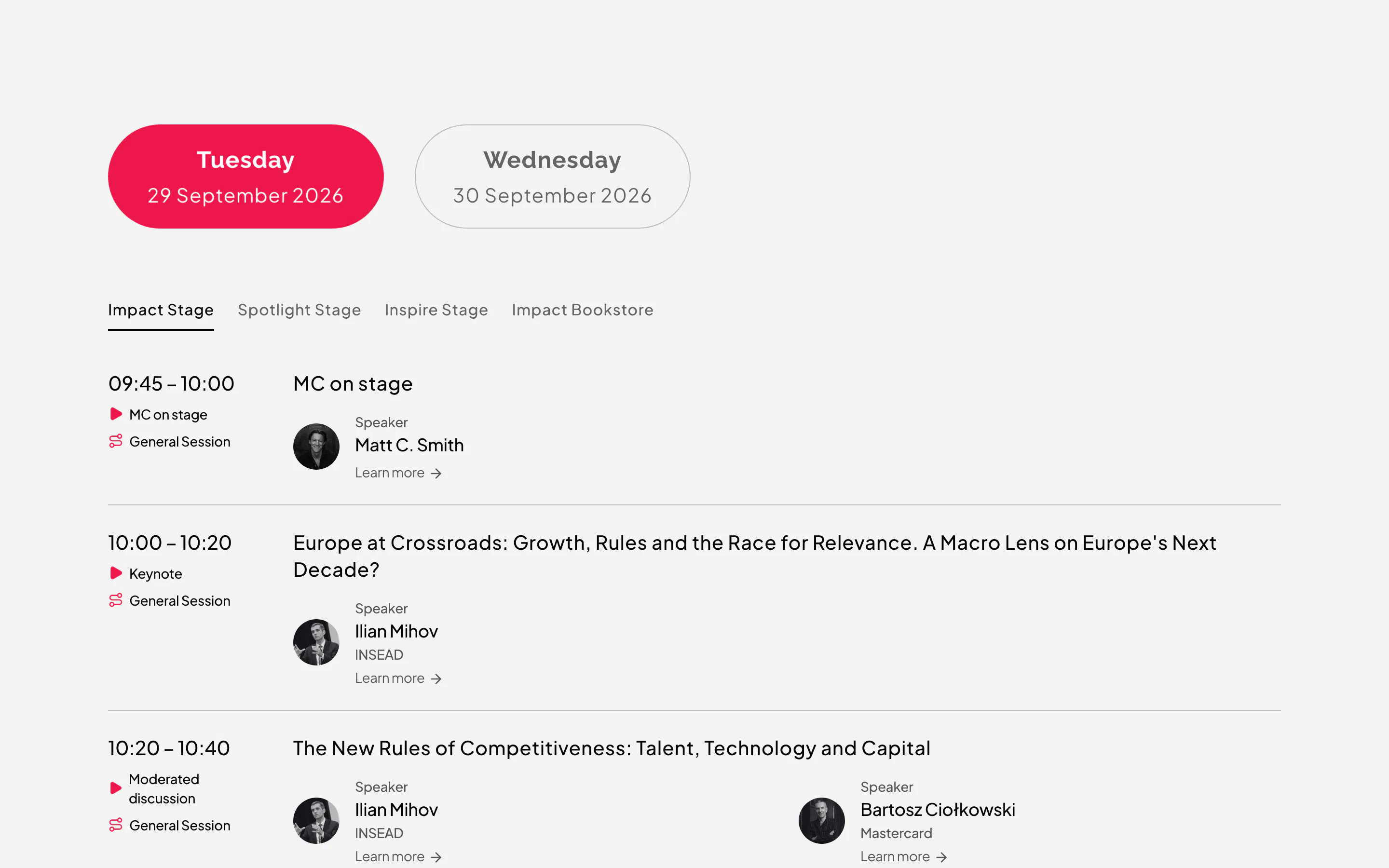
- We connected the conference agenda from Google Sheets and Edu 2.0 materials from Google Docs.
- We also connected partner logos, Work 2.0 internship offers, the blog and the team section.
The solution
The foundation's team works in the Google Sheets and Docs they know, and the website fetches their content. New agenda items, internship offers, blog posts and partner logos reach the website without copying or developer involvement.