Speaker Tracker: a shared picture for the event team
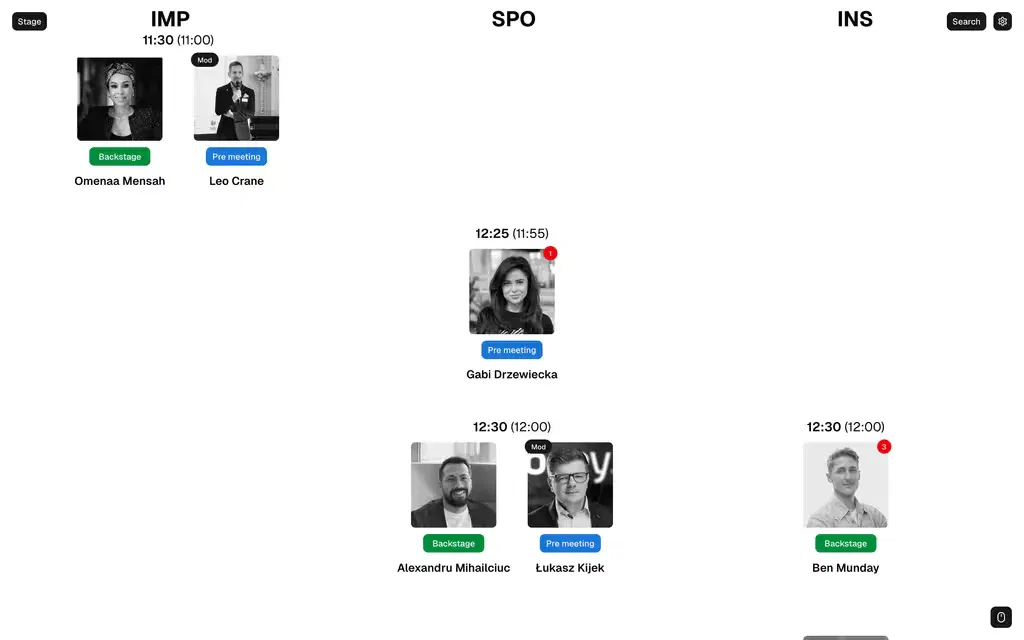
Speaker statuses across all stages in a single view, replacing spreadsheets, chat messages and paper notes.
Real screens
- Corioders' role
- Our own product: design, development and ongoing improvements
- Events
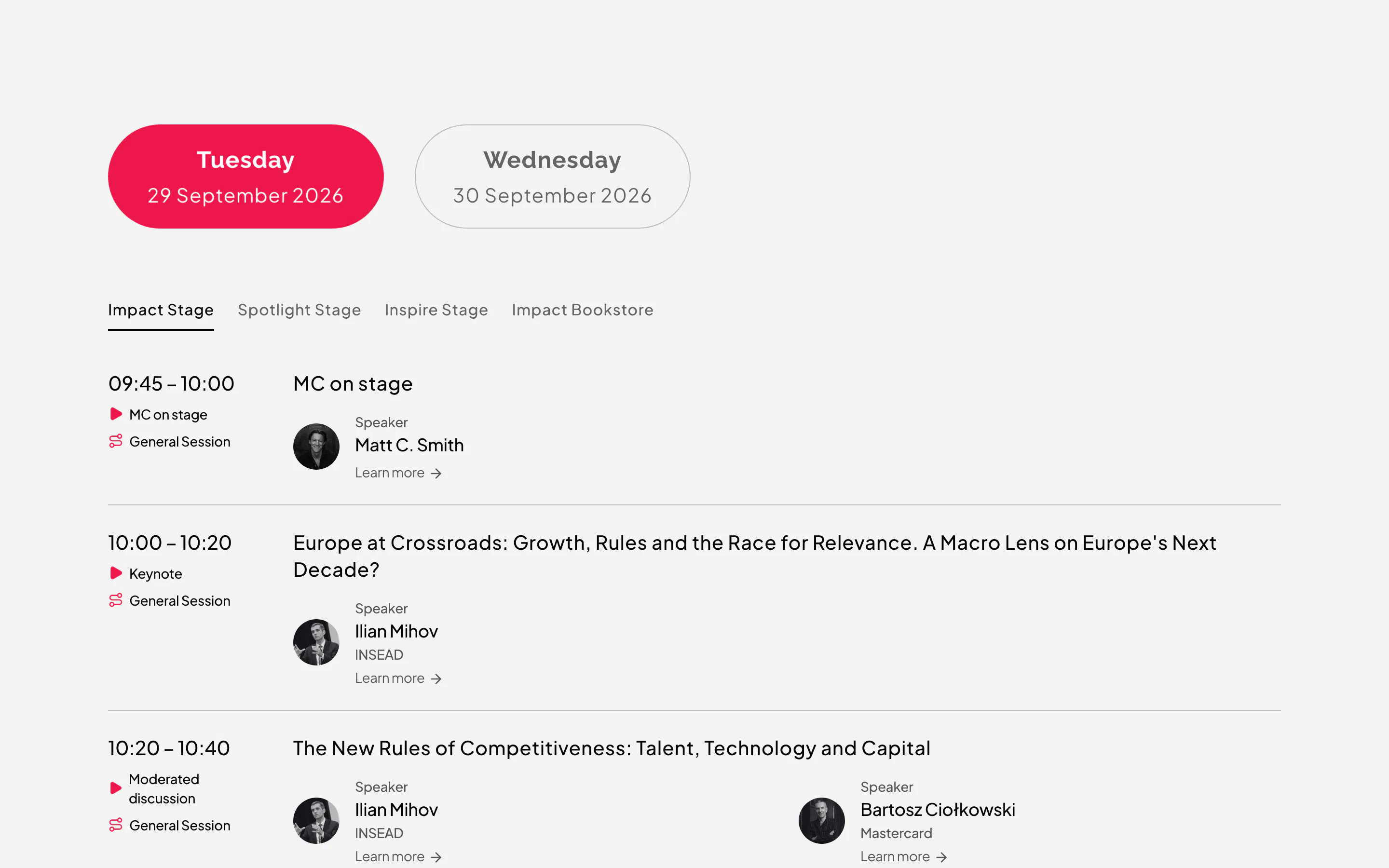
- Impact’25, Impact Bucharest’25, Impact’26, Impact Leading Minds, Poland 2.0 Summit 2026
Context
At a large conference, every speaker goes through the meeting point, where they meet the team, makeup and backstage before going on stage. Different team members manage each checkpoint, while sessions run on several stages at once.
The problem
What changed
- Every speaker's status across all stages is in one place, rather than in spreadsheets, chats and paper notes.
- Backstage, makeup and hosts all see the same up-to-date information.
- When a speaker is missing, the whole team sees it immediately.
What Corioders did
- We designed and built Speaker Tracker from scratch as our own product.
- We based the interface on how teams actually work on event day: stages, session times and the checkpoints each speaker goes through.
- We attend events, observe teams at work and analyse how to improve their processes. We use what we learn to develop the product for future events.
The solution
Speaker Tracker shows stage columns, session times and speaker cards with their current status. The time in parentheses next to the session time shows when the speaker is expected at the meeting point. Moderators have a “Mod” label, and the counter on a photo shows the number of messages about that person. Changing the status in a dropdown updates it for the whole team immediately.
How it works on event day
A speaker's status changes as they move through the event. The whole team sees the update on the same screen.
Change speaker status

The speaker has not yet arrived at the meeting point, where they meet the team. The time in parentheses shows when they are expected there.
12:30 (12:00)
Speaker